Order tags
Order tags are used when you need to mark an order that is currently on hold.
You can add new tags to the system.
To do this, go to the Order tags settings subsection and click the Add tag button.
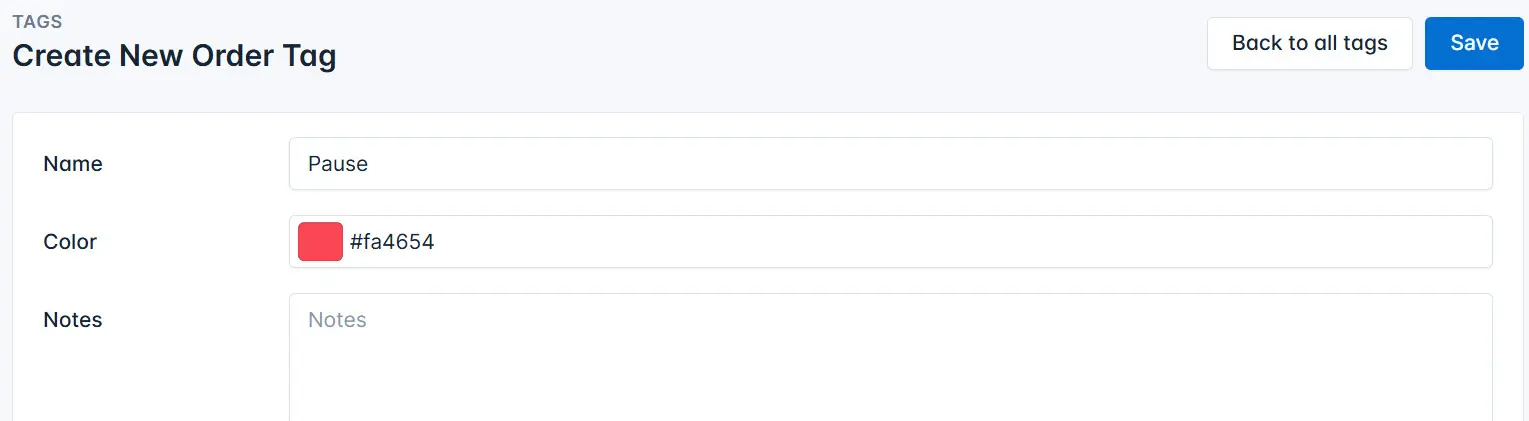
Enter the tag name, choose a color, and click the Save button.