Print the order
Print the Order
You can print an order form listing the services and tasks you must complete.
Click the Actions button and select Print from the drop-down list.
Select sections to print and click the Print Secctions button.
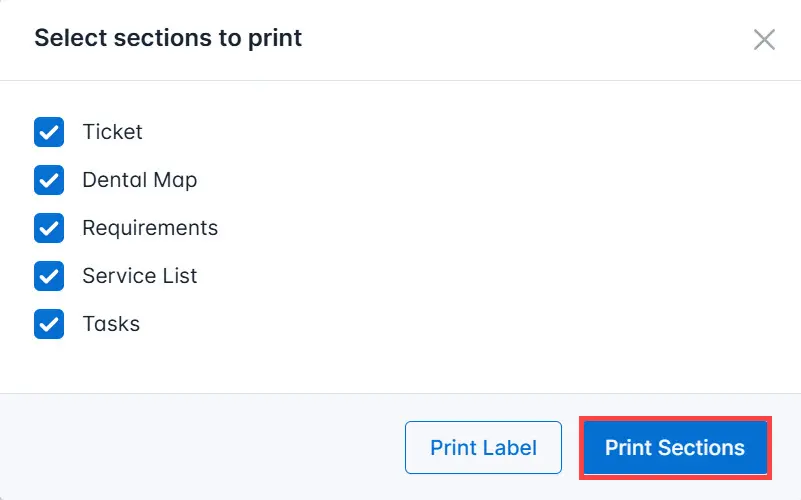
Print the order.
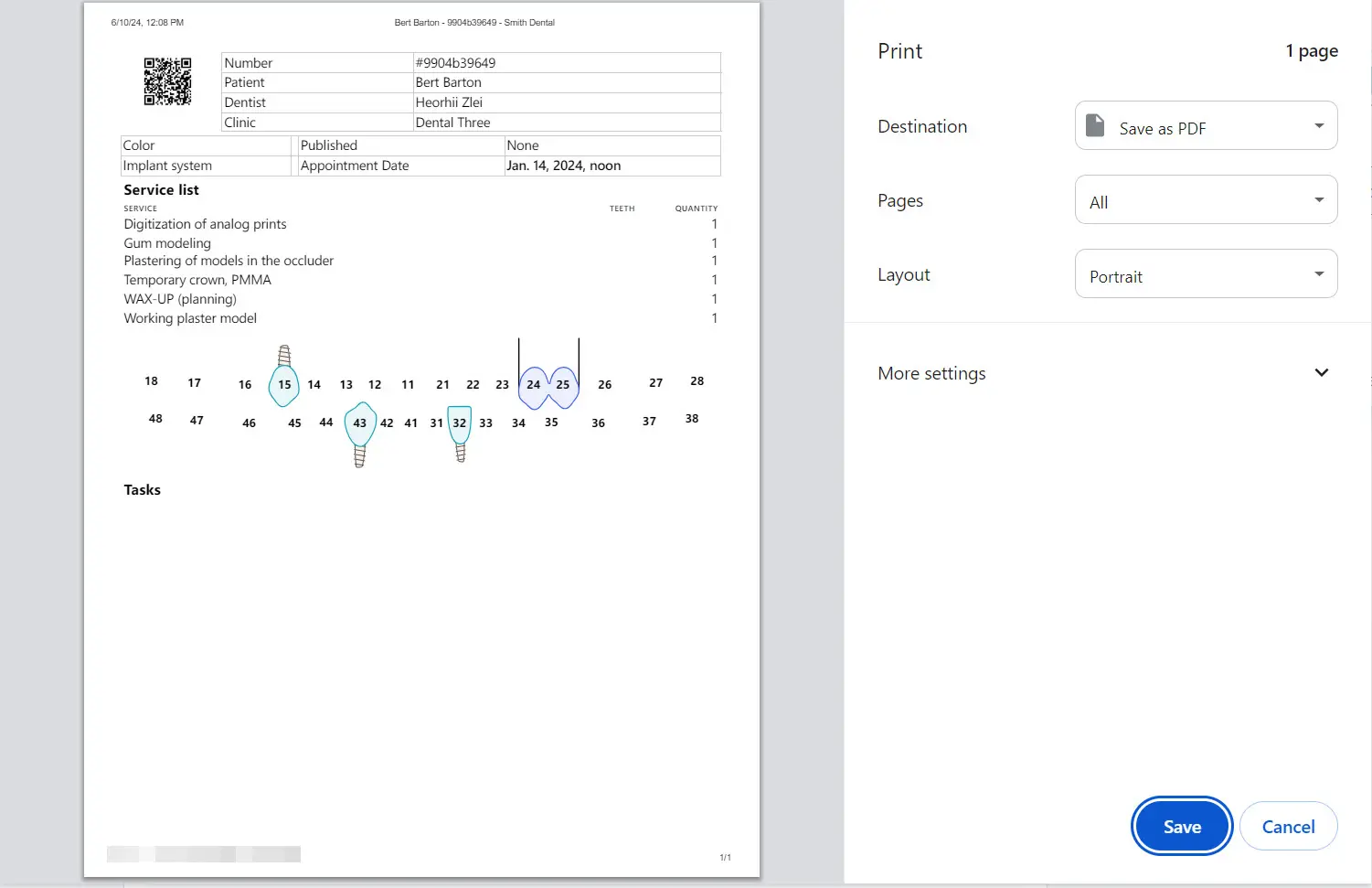
Printing a Label
The label is printed on small thermal printers and is intended to be attached to a delivery box or package. The system generates a QR code for the order along with a brief order description.
To print a label, click the Actions button and select Print from the dropdown menu.
Click the Print Label button.
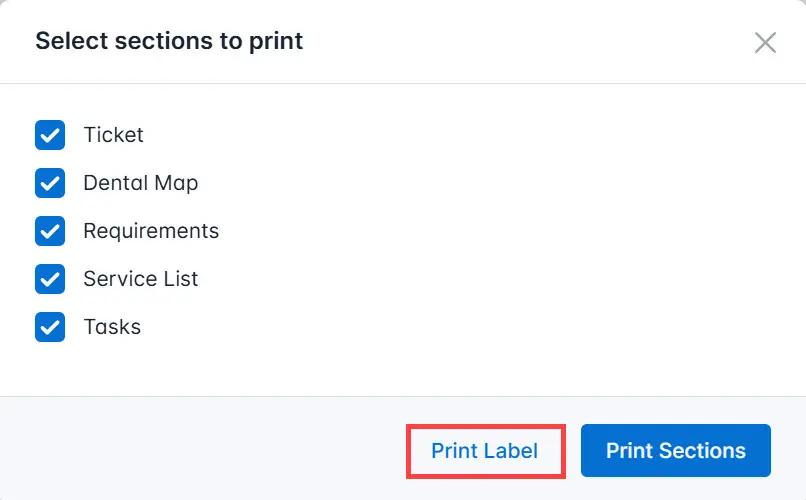
Print the label.