Mark order as paid
To Mark order as paid, do the following:
-
Click the Payment button and select Mark As paid from the list.
-
Click the OK button to confirm your action.
-
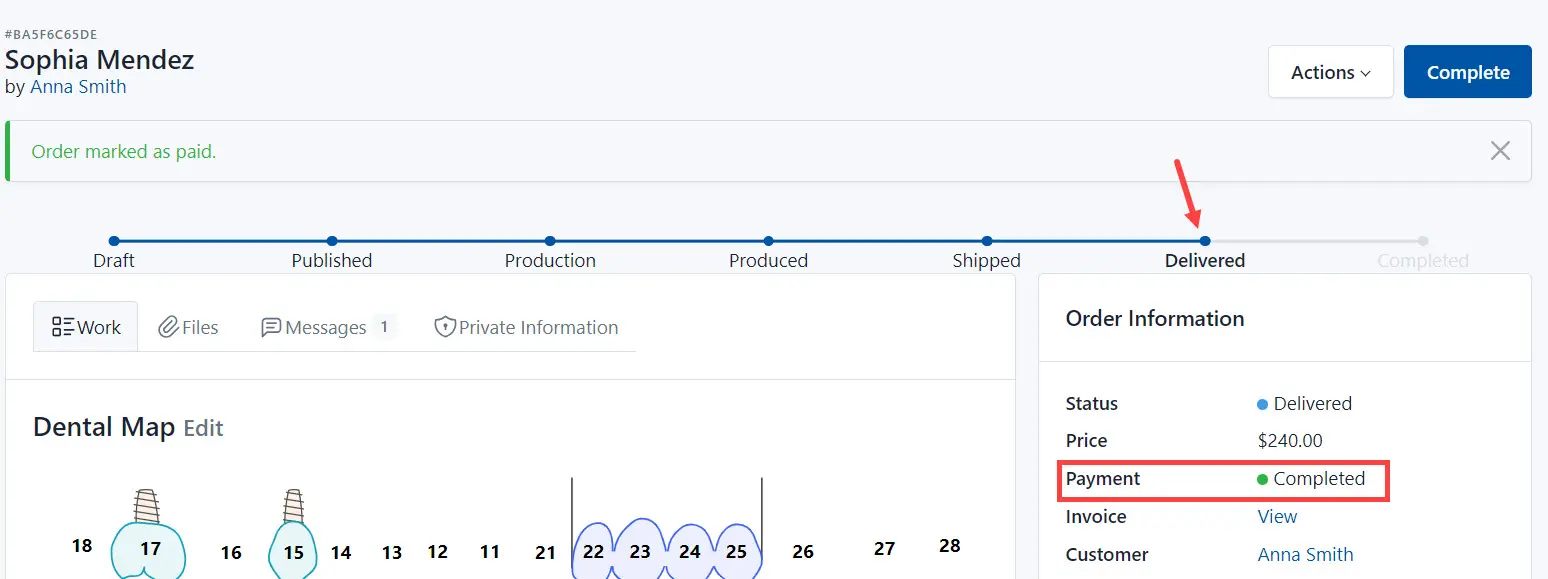
As a result, the system changes the payment status to Completed.
To Mark order as paid, do the following:
Click the Payment button and select Mark As paid from the list.
Click the OK button to confirm your action.
As a result, the system changes the payment status to Completed.