Work schedule
In the Settings → Work Schedule section, you define the laboratory’s operating schedule.
You can specify:
- The weekly schedule
- Break times
- Days off
- Exceptions — days when the laboratory may operate for fewer hours or have a day off outside the regular schedule
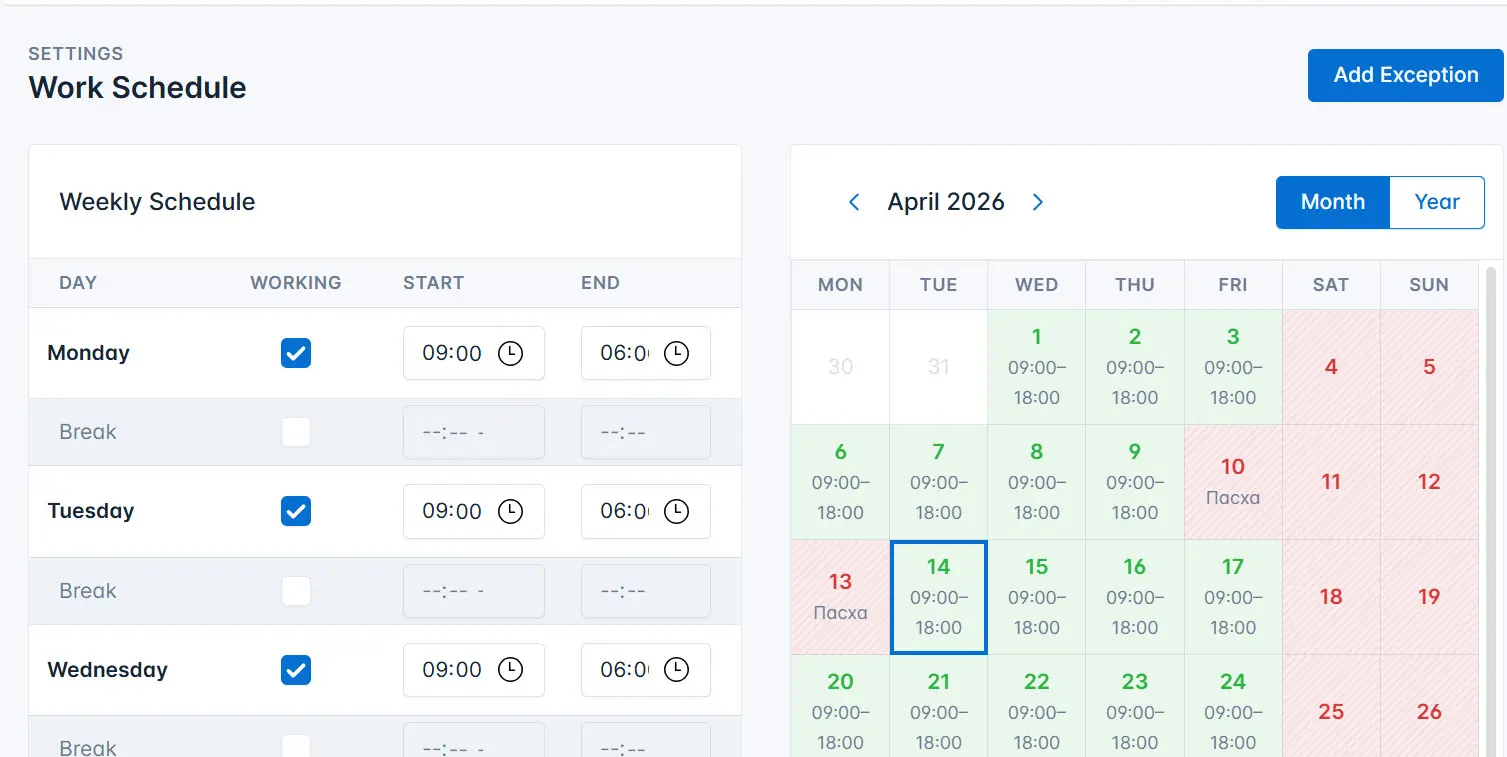
Creating a weekly work schedule
To create a weekly work schedule:
- Select the days when the laboratory operates.
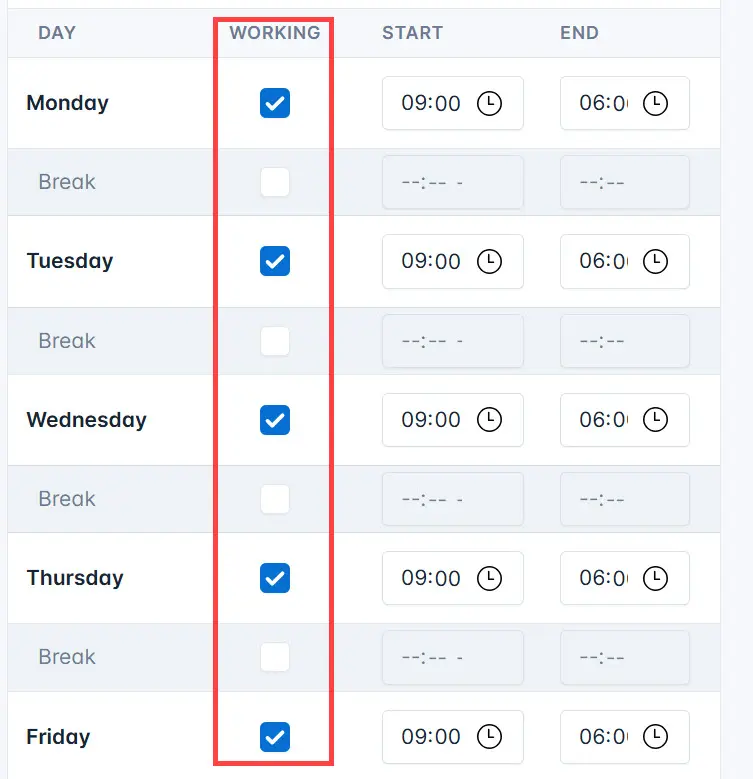
- Specify the start time and end time of the working day.
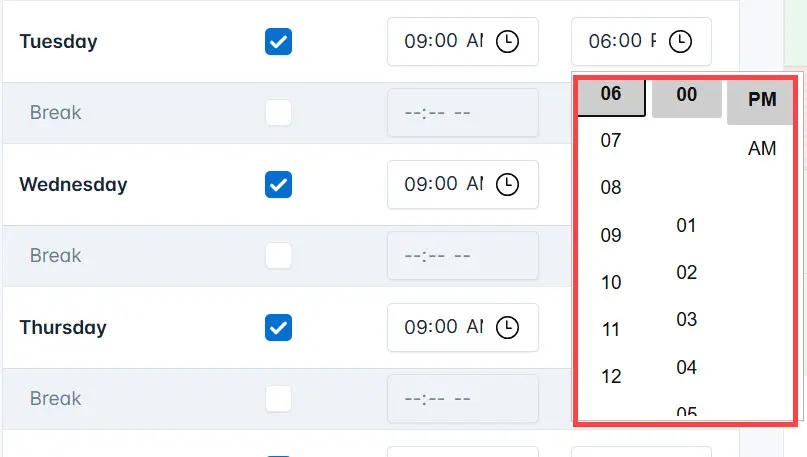
- Enter the break time.
- Save the changes.
Exceptions
Exceptions are times when the laboratory may operate or be closed outside the regular schedule.
To add an exception:
- Click on the day of the month for which you want to create an exception.
- On the exception creation page:
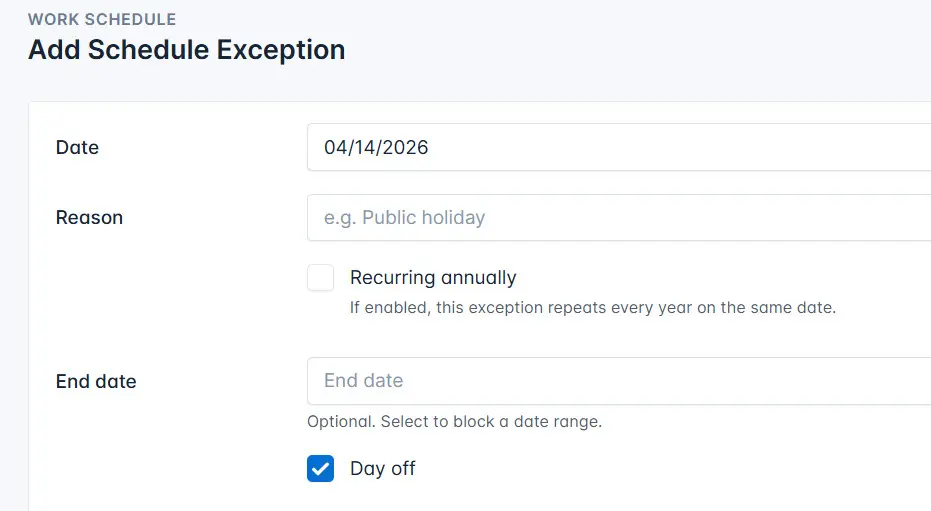
- Add a reason for the exception, for example, a public holiday.
- Enable the Annually checkbox if this day repeats every year.
- Select the end date of the exception.
- Click the Save button.