Create a work plan
You can create a work plan when you create a new order.
If the order is in the Draft status and doesn’t contain the work plan, do the following:
- Create the work plan automatically or add tasks manually. Select the function you need in in the Order page.
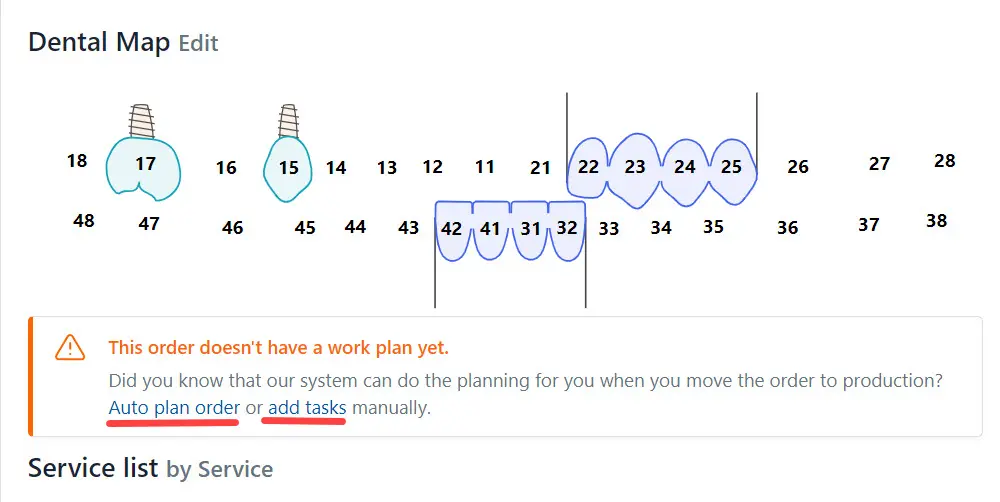
OR
- Click the Actions button and select Plan Work from the list.
Please, read the detailed information here.