Change delivery date
To change the date when the dentist must receive the produced order, do the following:
-
Click the Actions button and select Update due at from the drop-down list.
-
Select a new date from the calendar in the dialog.
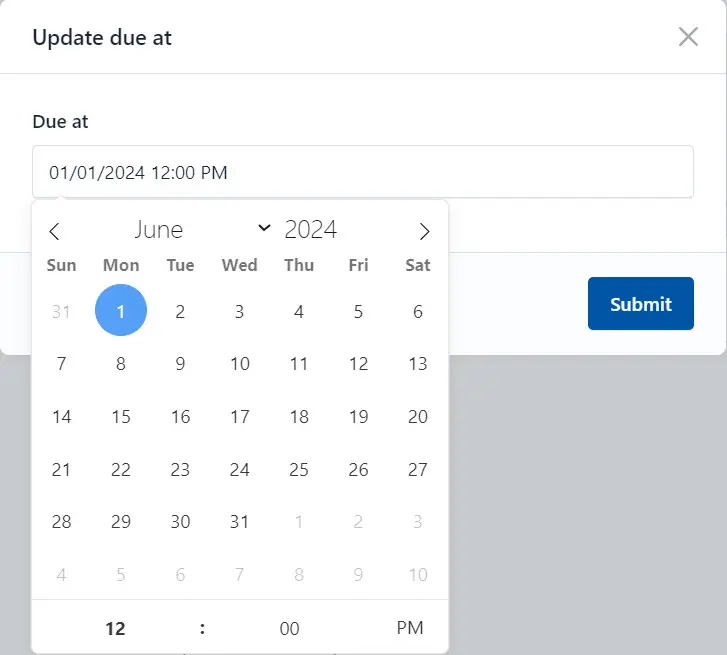
- Click the Submit button to save changes.