Cancel order payment
If necessary, you can cancel the payment for an order.
To do this, select Cancel Order Payment from the Actions dropdown menu.
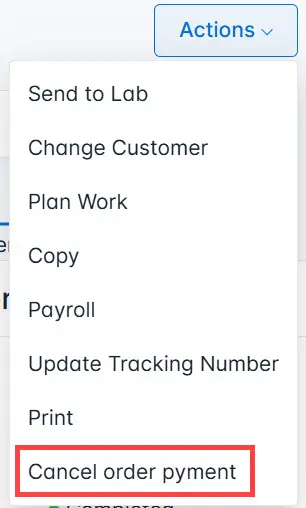
In the pop-up window, confirm your action. The order status will change to Delivered.
After the order is paid again, you need to mark it as paid, and the order status will change back to Completed.