Add dentist to Clinic
After you create a Clinic, you can add dentists working in this Clinic.
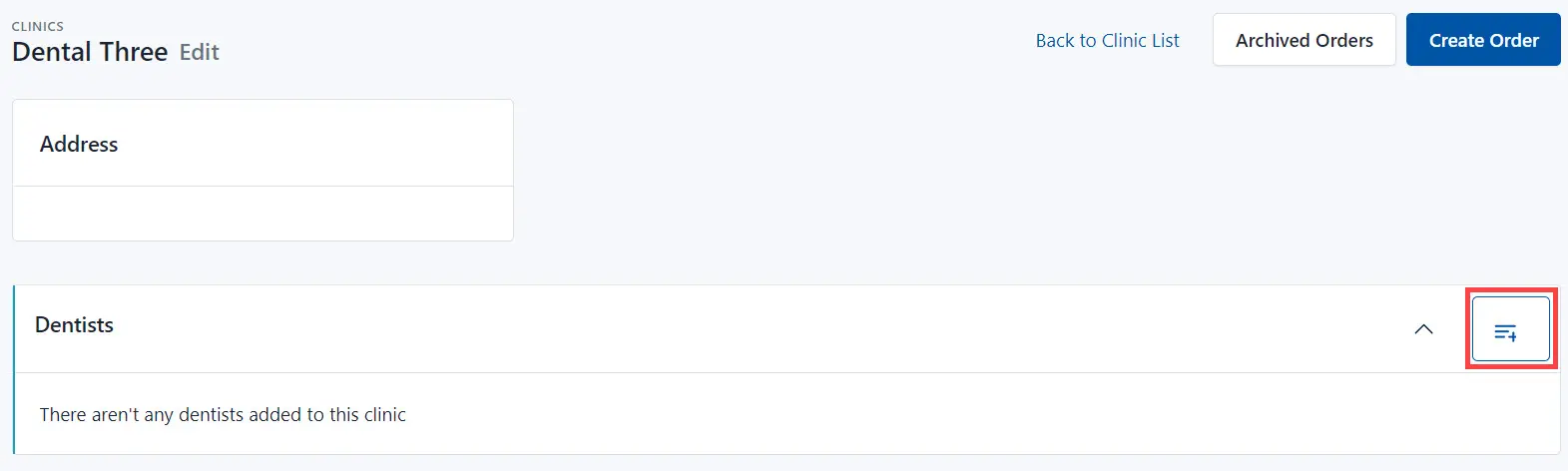
To add dentist(s):
- Click the Add icon.
- Select a Dentist from the drop-down list.
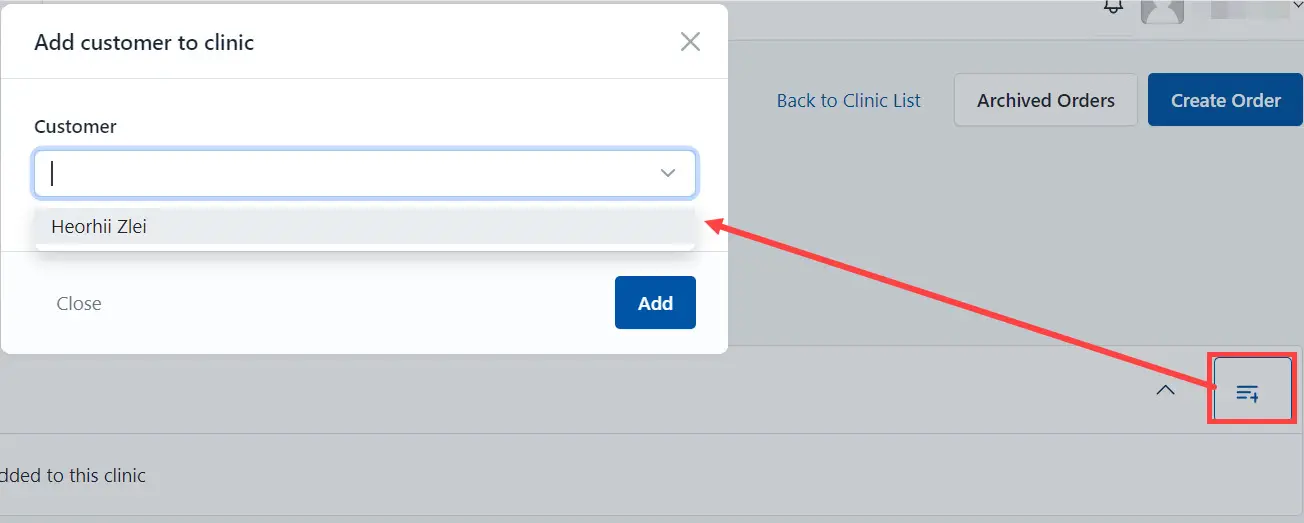
- Click the Add button.
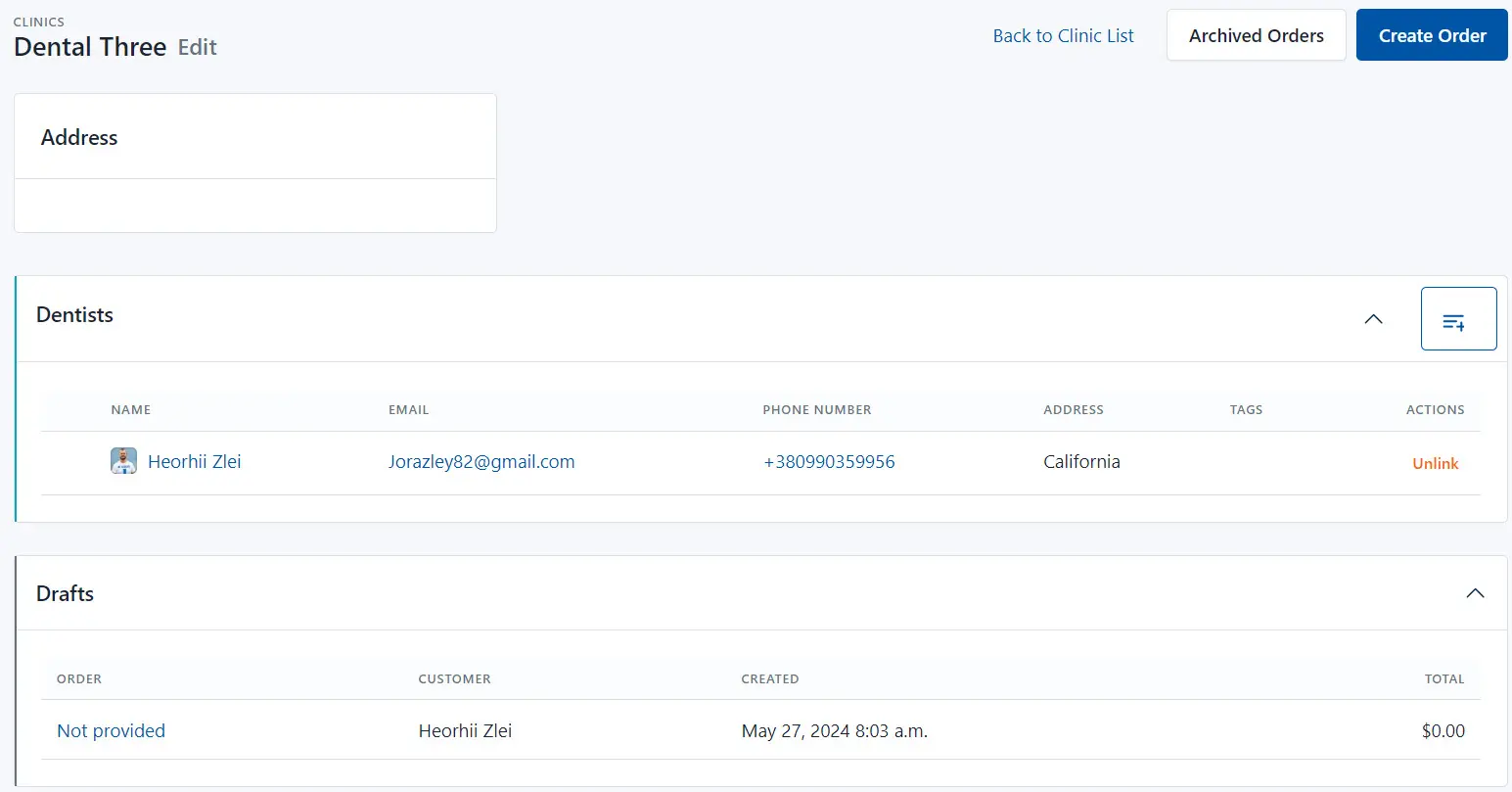
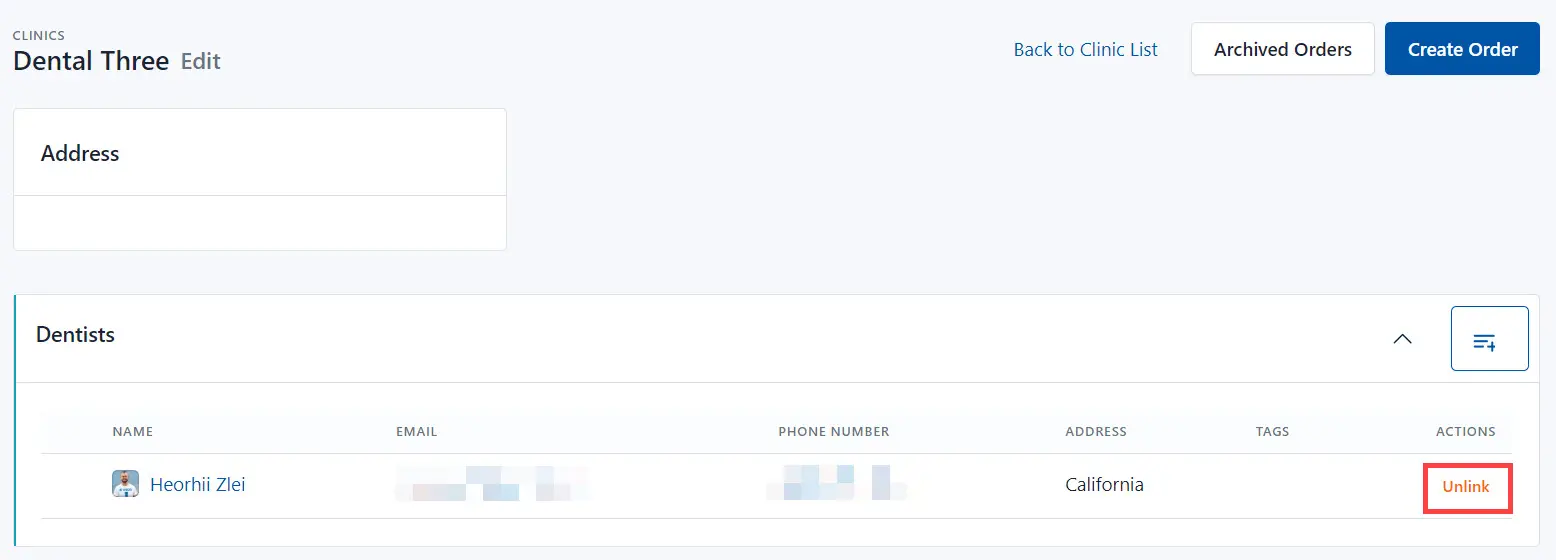
As a result, the system links the dentist with the Clinic. If this dentist has an active orders, the system displays them on page. The clinic page also displays information about the need to pay for the order (the total price for the order that must be paid).