Send the order to the Dentist
After the laboratory produced the order, you must send it to the dentist.
To send the order, do the following:
- Click the Ship button.

- In the Ship this order dialog add the Tracking Number.
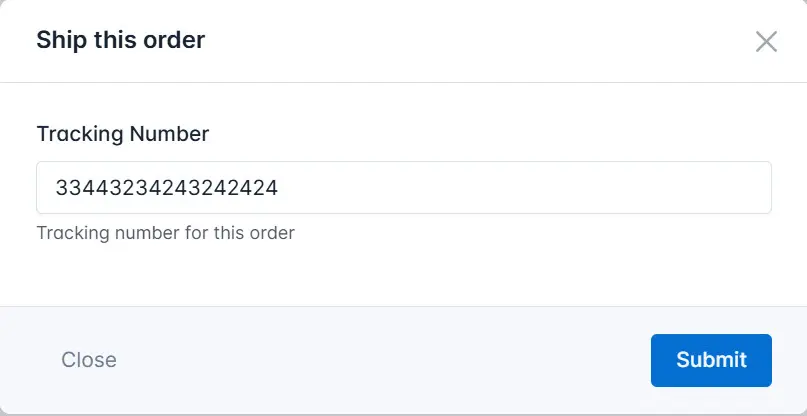
- Click the Submit button.
As a result, the system changes the order status to Shipped.