Apply Discount
You can apply a discount to an order. To do this:
-
Click the Payment button and select Apply discount from the drop-down menu.
-
In the form:
- Select the type of discount you want to apply.
- Enter the corresponding numeric value and choose the discount currency.
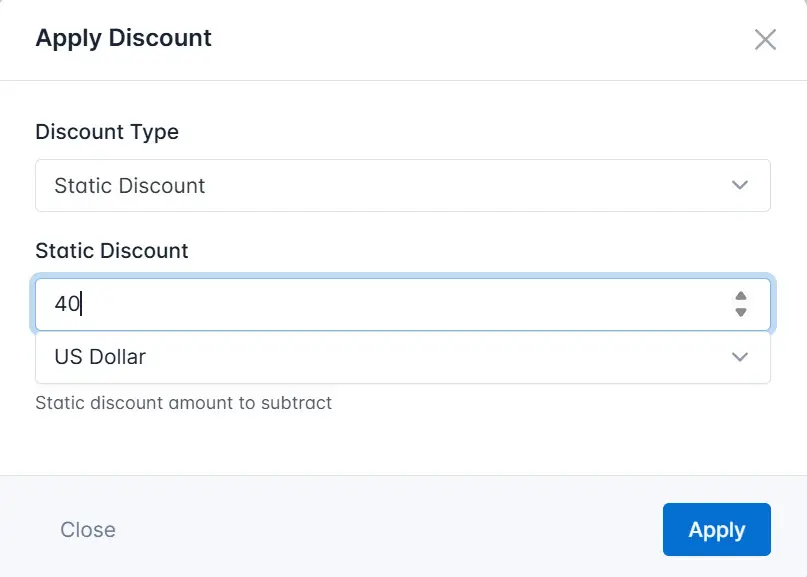
- Click the Apply button.
As a result, the system will apply the discount to the order and display it in the order card.