Make a copy
You can copy the order if you need to create a new one for the same patient (but this patient needs other services).
To copy the order do the following:
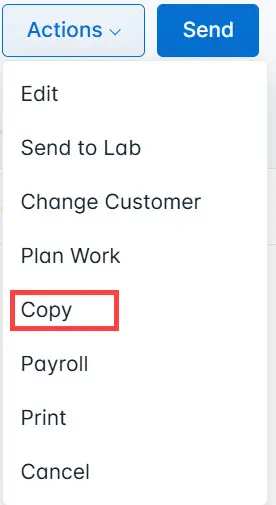
- Click the Actions button and select Copy from the list.
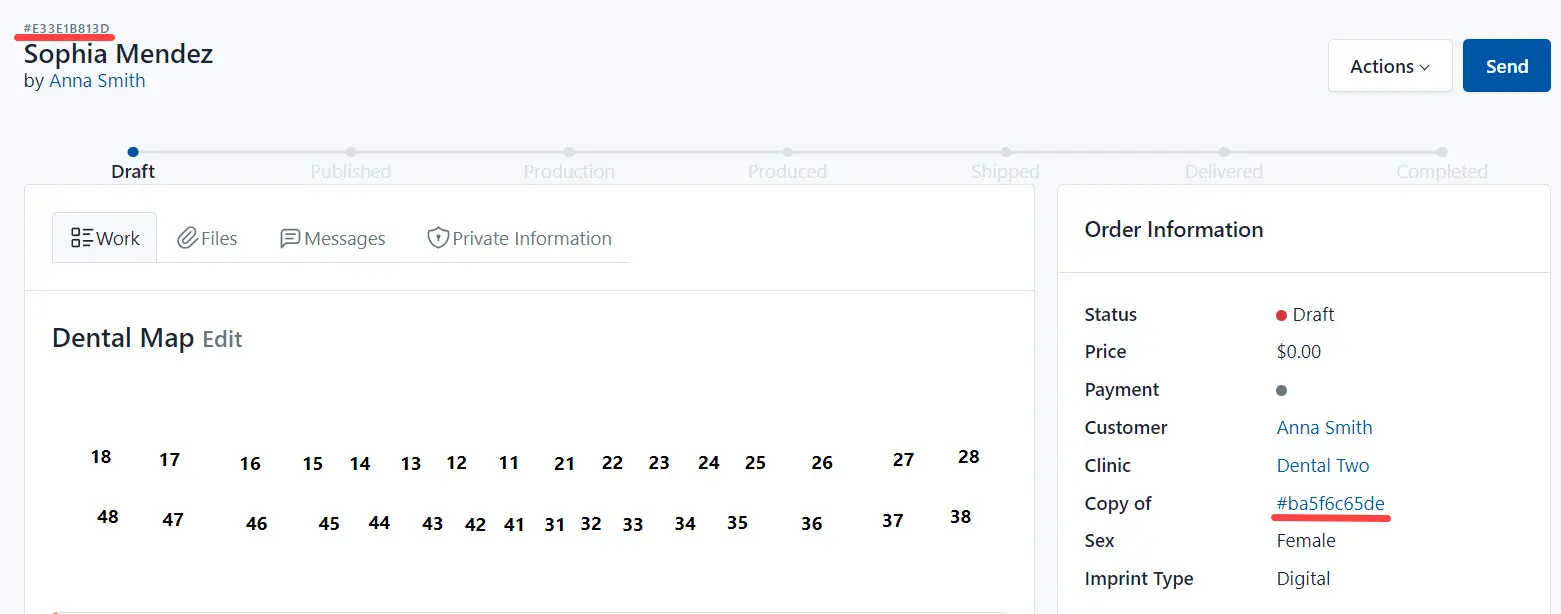
Here:
#E33E1B813D - is the number of the copy, #ba5f6c65de - is the number of the source.