Create a new Clinic
To create a new Clinic in the system:
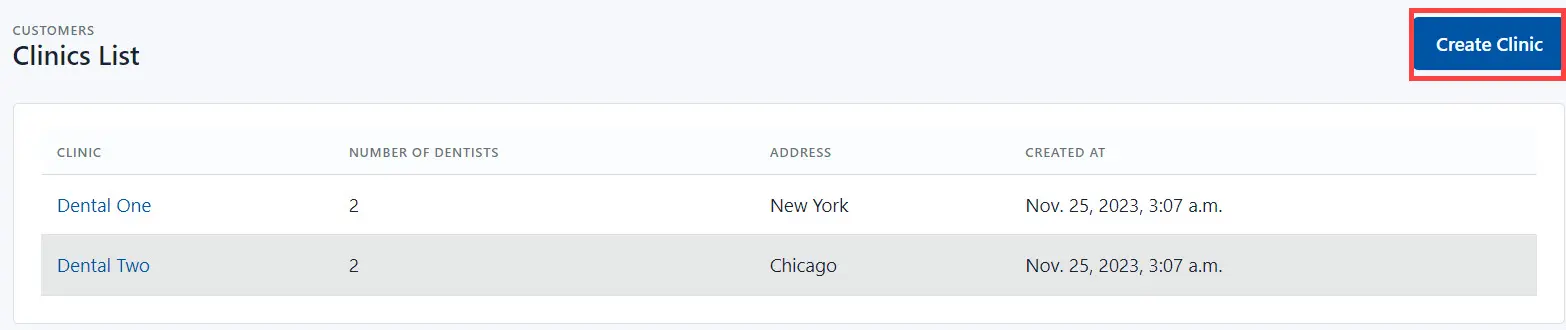
- Go to the Customers->Clinics section and click the Create Clinic button.
- Fill in main fields:
- Clinic Name - add the clinic name in the system;
- Mailing Address - the physical clinic address;
- Notes - additional information.
- Click the Save button to save the clinic in the system.
Then you need to add a dentist(s) to the clinic.