Paychecks
The Your Payouts page displays a list of payments that have already been made.
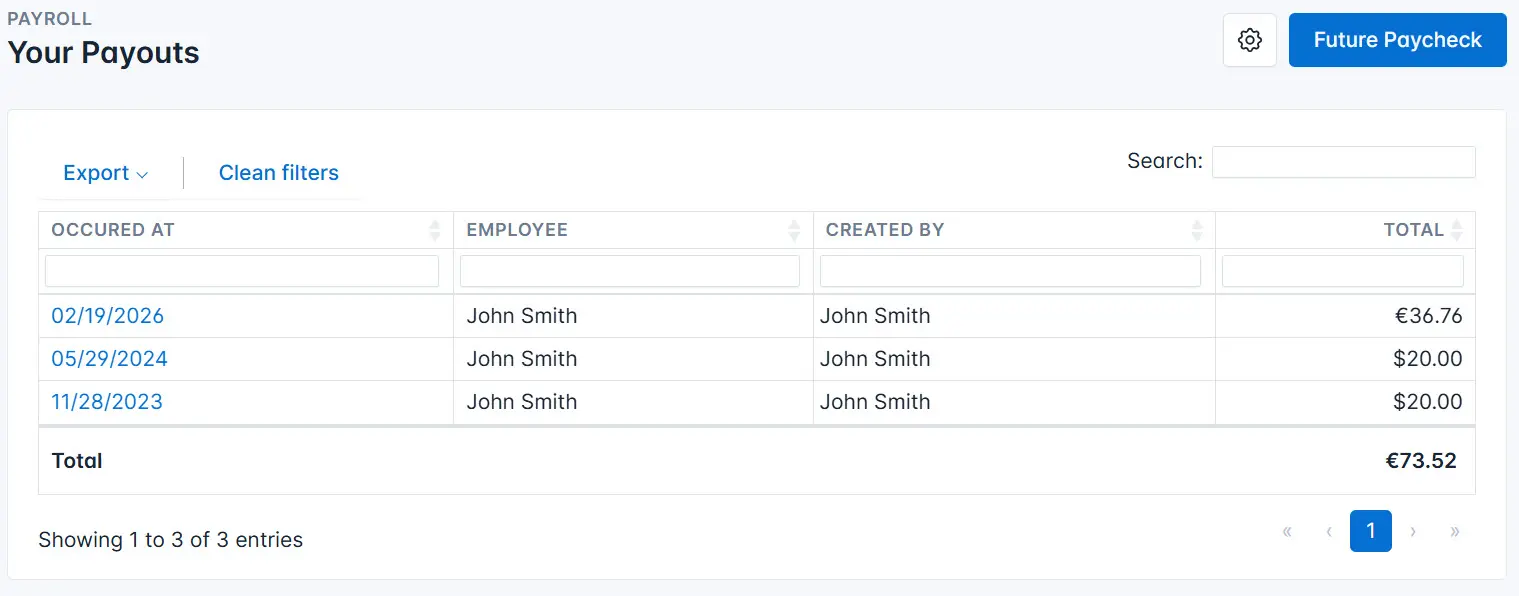
On this page, you can perform the following actions:
-
Use search. Enter a search criterion in the search field. The system will display only the records that match the entered criterion.
-
Filter records by a specific parameter. Enter the criterion in the appropriate field to filter the records.
-
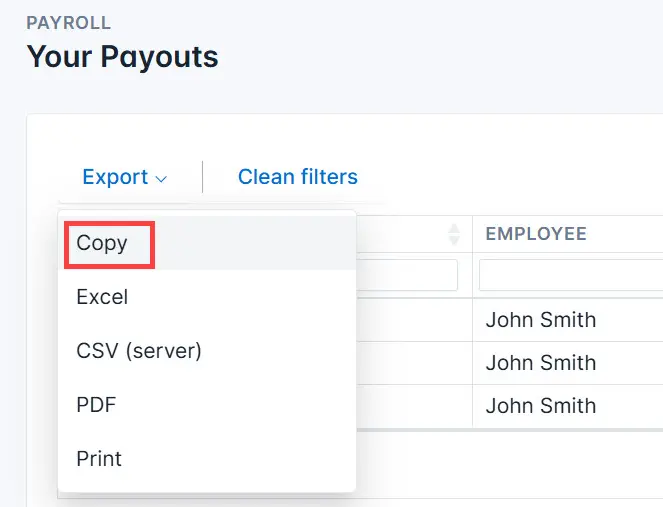
Copy the table. Click the Export button and select Copy from the dropdown menu.
-
Export records in the required format. Click the Export button and select the desired export format. Available formats: Excel, CSV, PDF.
-
Print the table. Click the Export button and select Print from the dropdown menu. Configure the print settings and print the document.
Customize the table. Click the settings icon and choose which table columns to display on the page.
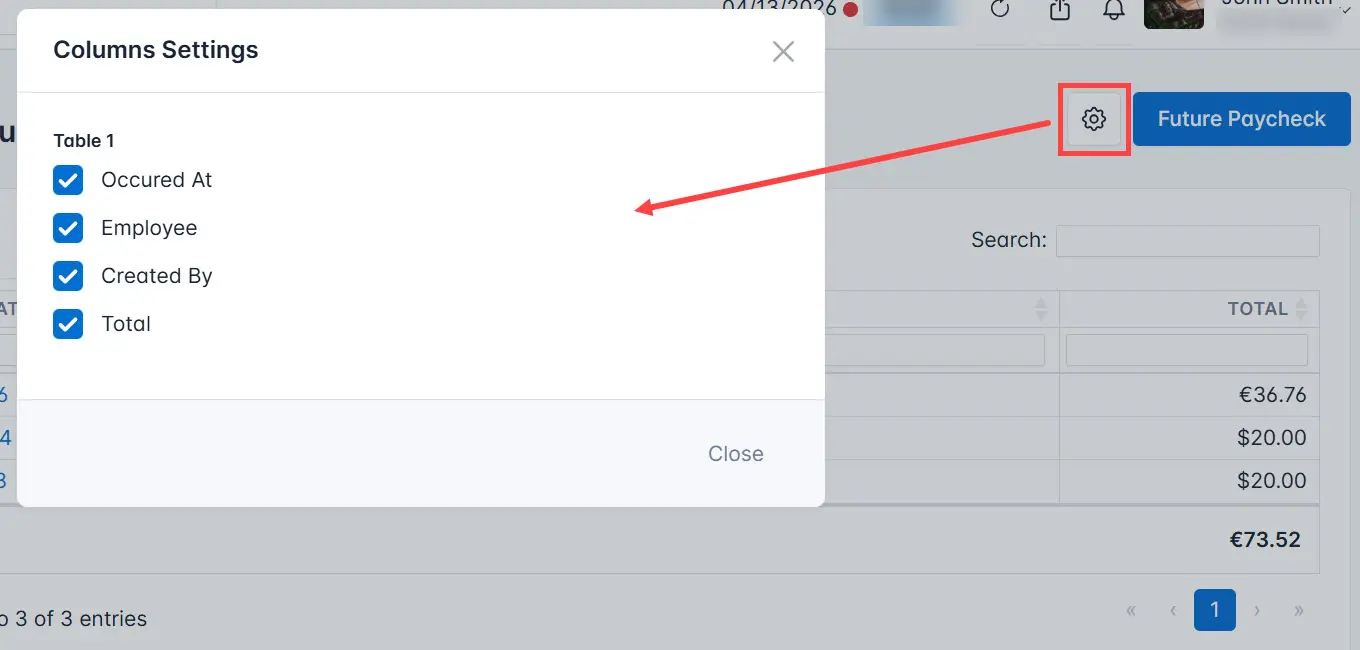
- View future earnings. Click the Future Paycheck button. This will open a page with a list of upcoming payments.