Main page
The main page provides the following information:
- Finalized amount — the amount that has already been finalized
- Task list — the tasks that need to be completed. To view the full list of tasks, click the View Tasks button. As a result, the My Open Tasks page opens.
- Workload Distribution - the chart displays orders by status and quantity. Move the mouse cursor over the chart to view the number of orders by a certain status.
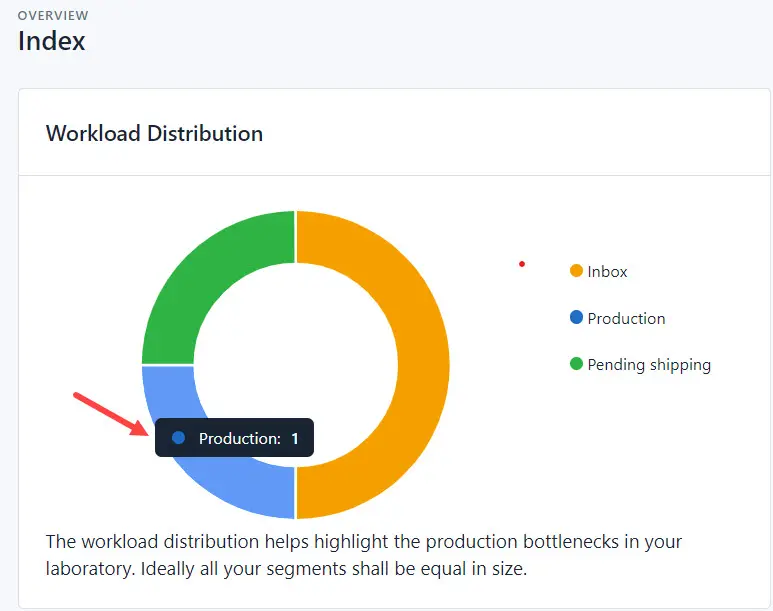
- Recent Orders - a list of orders added to the system.
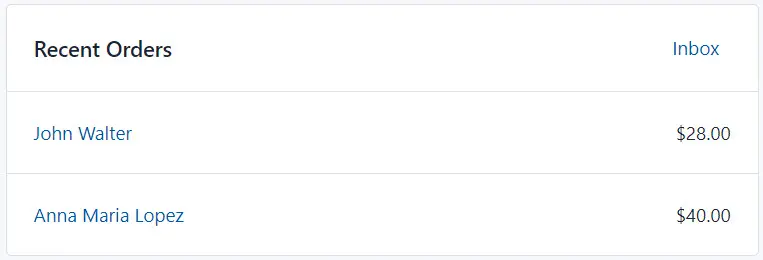
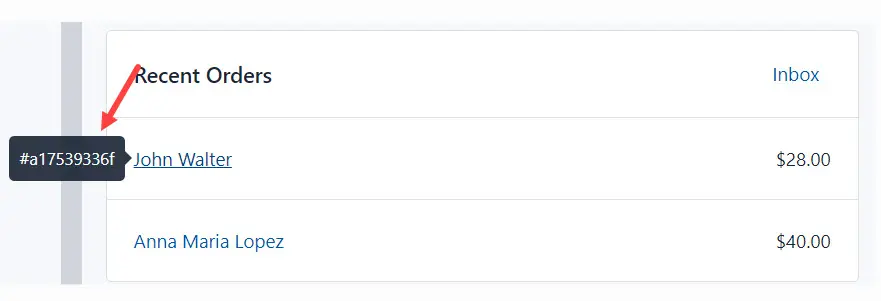
- New Customers - list of new customers of dental services and products.
- Payments Due - list of orders which were manufactured and delivered to the customer.
The home page also includes:
- Laboratory activity status — indicates whether the laboratory is operating at a given time.
- Refresh page button — used when you have made changes and need to reload the page.
- Copy link button — allows you to copy a link to a specific page in the system.
- System notifications indicator.
- Link to your profile.
