Settings
The Settings section allows you to manage the basic and specific system settings.
Click the Settings in the main menu to open the main system settings.
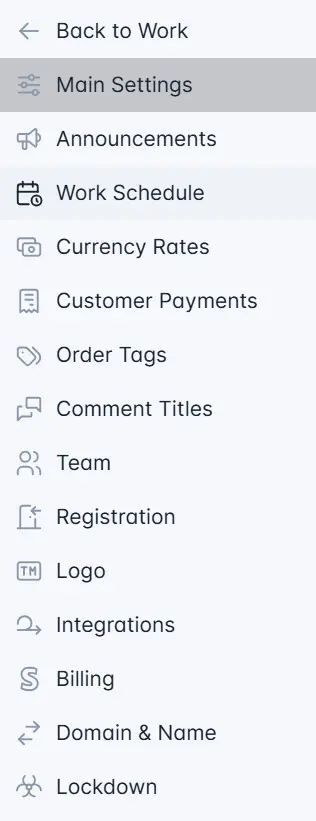
System settings have the following sections:
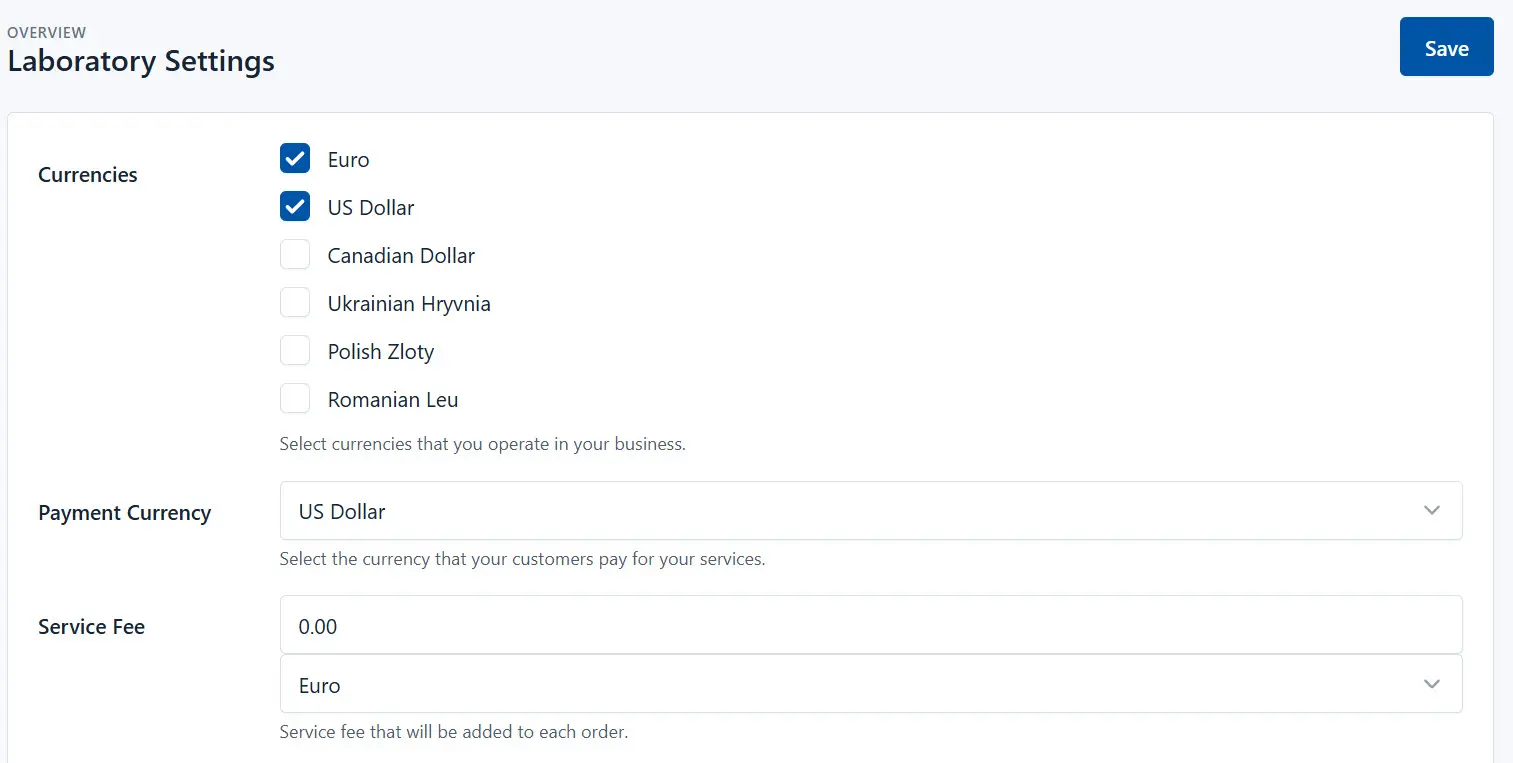
- Main Settings - General settings of the laboratory
- Announcements - System announcements
- Work Schedule - Creating a laboratory work schedule
- Currency Rates - Setting currency rates
- Payment Gateways - Setting up payment gateways for online payment
- Order Tags - Tags to mark orders
- Comment Titles - Comments, used in orders
- Team - List of laboratory employees, setting of access rights to system sections
- Registration - Settings for self-registration of customers in the system
- Logo - The laboratory logo used in the system
- Integrations - List of laboratories to which you can send orders
- Biling - Subscription information - payment status for using the system
- Domain and Name - Changing the domain and lab name
- Lockdown - Blocking the site of the lab.