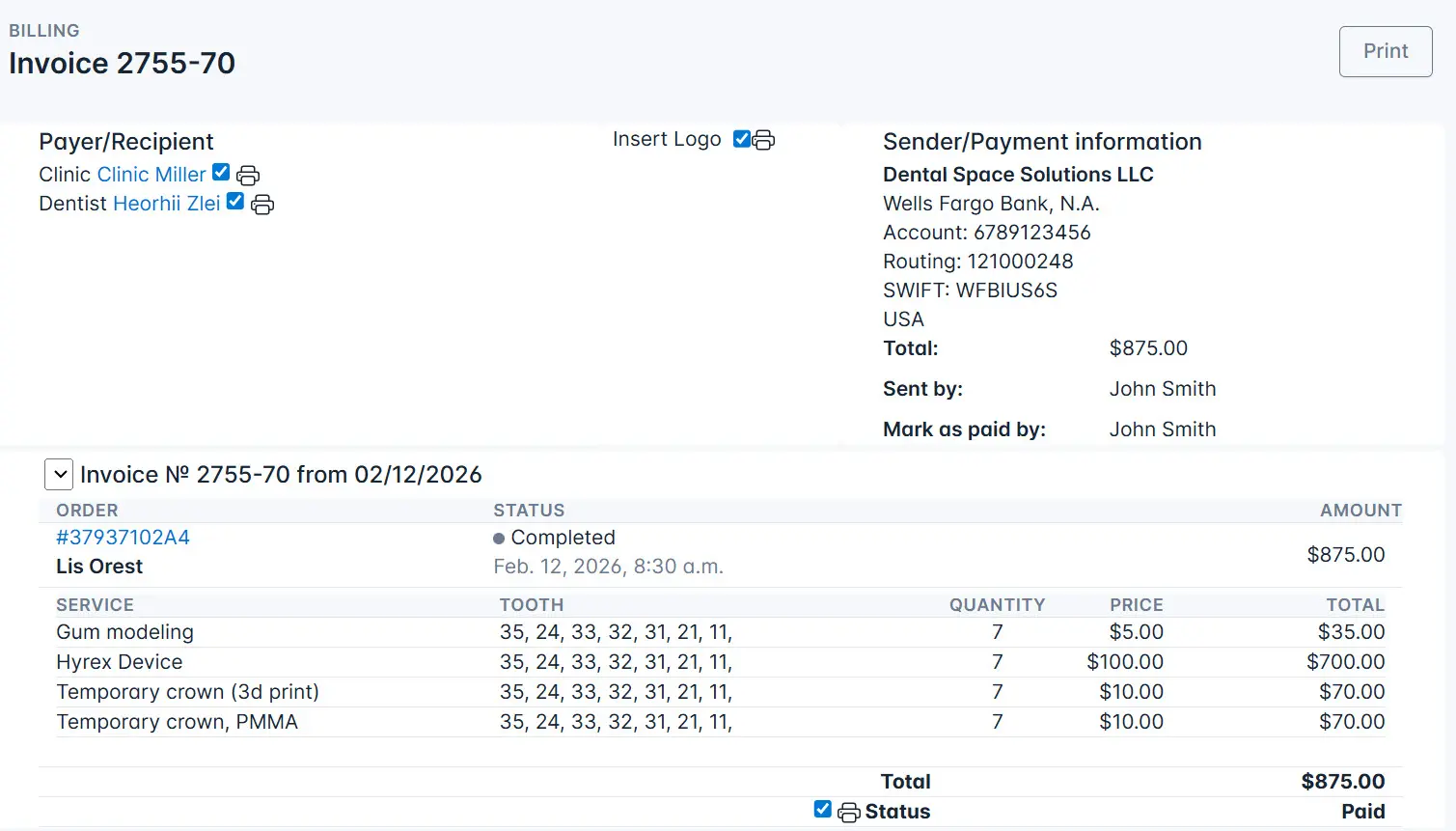
Bills
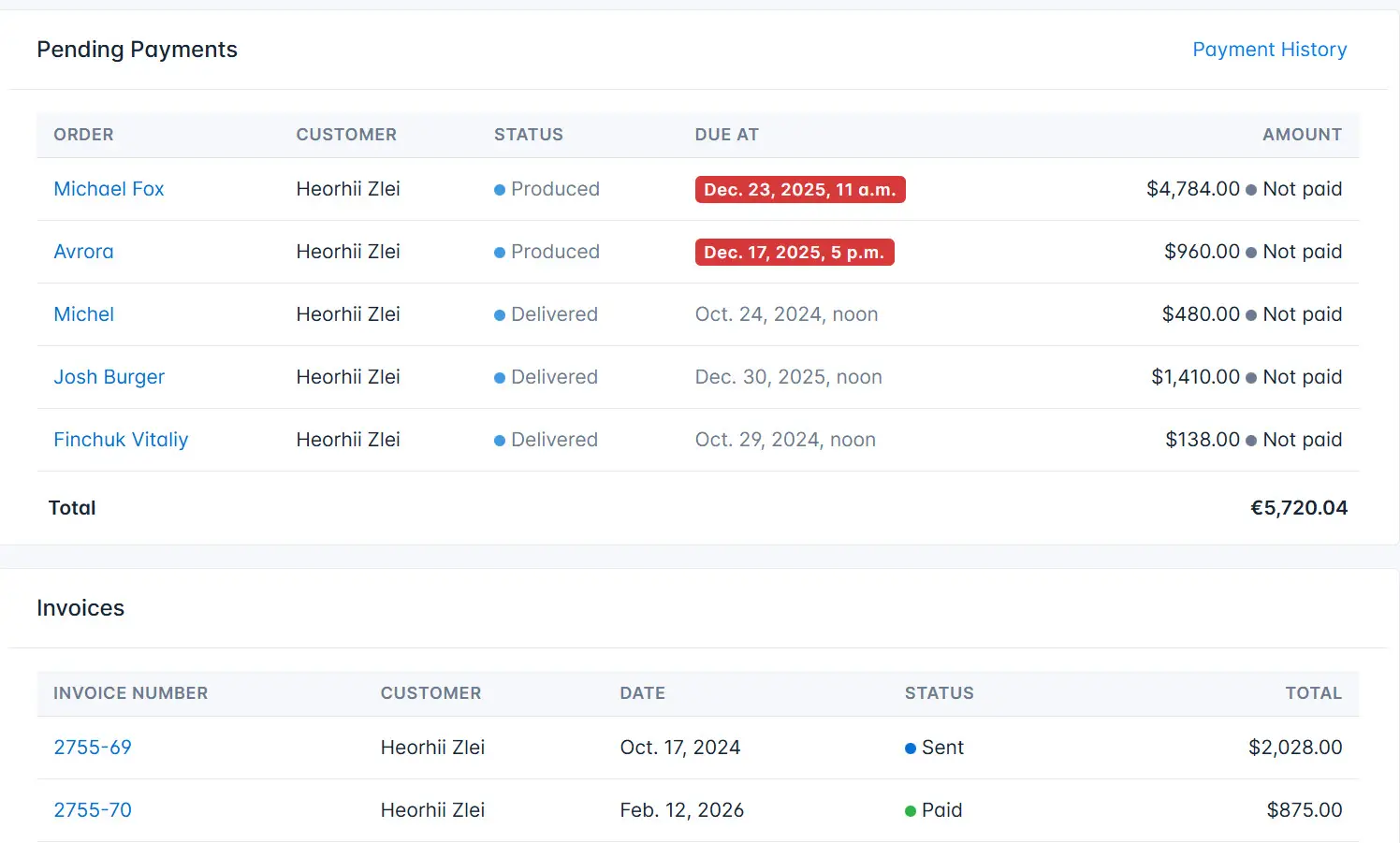
The Billing system section contains orders that:
-
Need to be paid – these orders have a specific status in the system and have not yet been paid.
-
Paid – a list of paid orders.
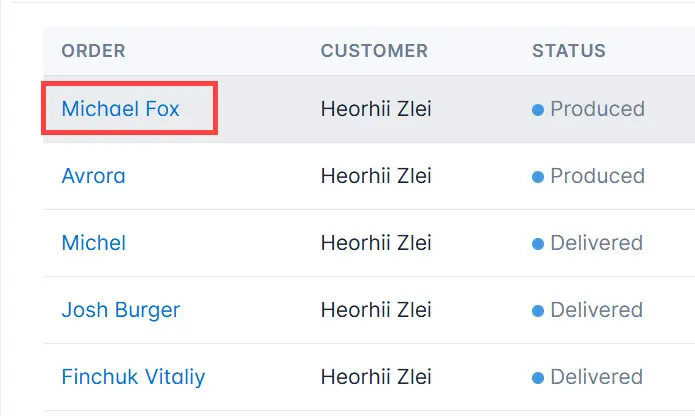
If necessary, you can go to the order page. To do this, click on the order name.
The page also displays invoices for completed orders.
Click on the invoice number to view detailed information about the provided services and other related details.